Many ecommerce brands invest heavily in Google Shopping campaigns, but few take full advantage of what can be done inside Google Merchant Center to improve results.
If you want to drive stronger performance from your Shopping campaigns, here are three practical Merchant Center optimisations you can implement today.
1. Optimise Product Descriptions Using Search Term Insights
One of the most overlooked opportunities in product feeds is keyword optimisation within product descriptions.
Google’s Shopping algorithms rely heavily on feed content to match products to relevant searches. But customers often search in unexpected ways. The key is to mine your campaign search terms reports to discover which terms are actually driving conversions.
Once identified, these high-performing keywords should be naturally integrated into your product descriptions. This improves product relevance and ensures Google better understands how to match your listings with intent-driven queries.
A small investment of time here can lead to a measurable lift in quality traffic.
2. Fine-Tune Product Categories for Better Visibility
Google’s product category taxonomy may seem tedious, but it is a critical ranking factor for Shopping ads.
Think of your product feed as a well-organised library. If your products are not accurately categorised, Google’s algorithm will struggle to show them to the right shoppers.
Audit your current categories and ensure they align with Google’s latest taxonomy. The more precise you are, the better Google can position your products in search results. In competitive categories, this can make a clear difference in visibility and click volume.
3. Test and Optimise Product Images
Your product image is the single biggest driver of click-through rate in Shopping ads. This is especially true for new brands competing against established players.
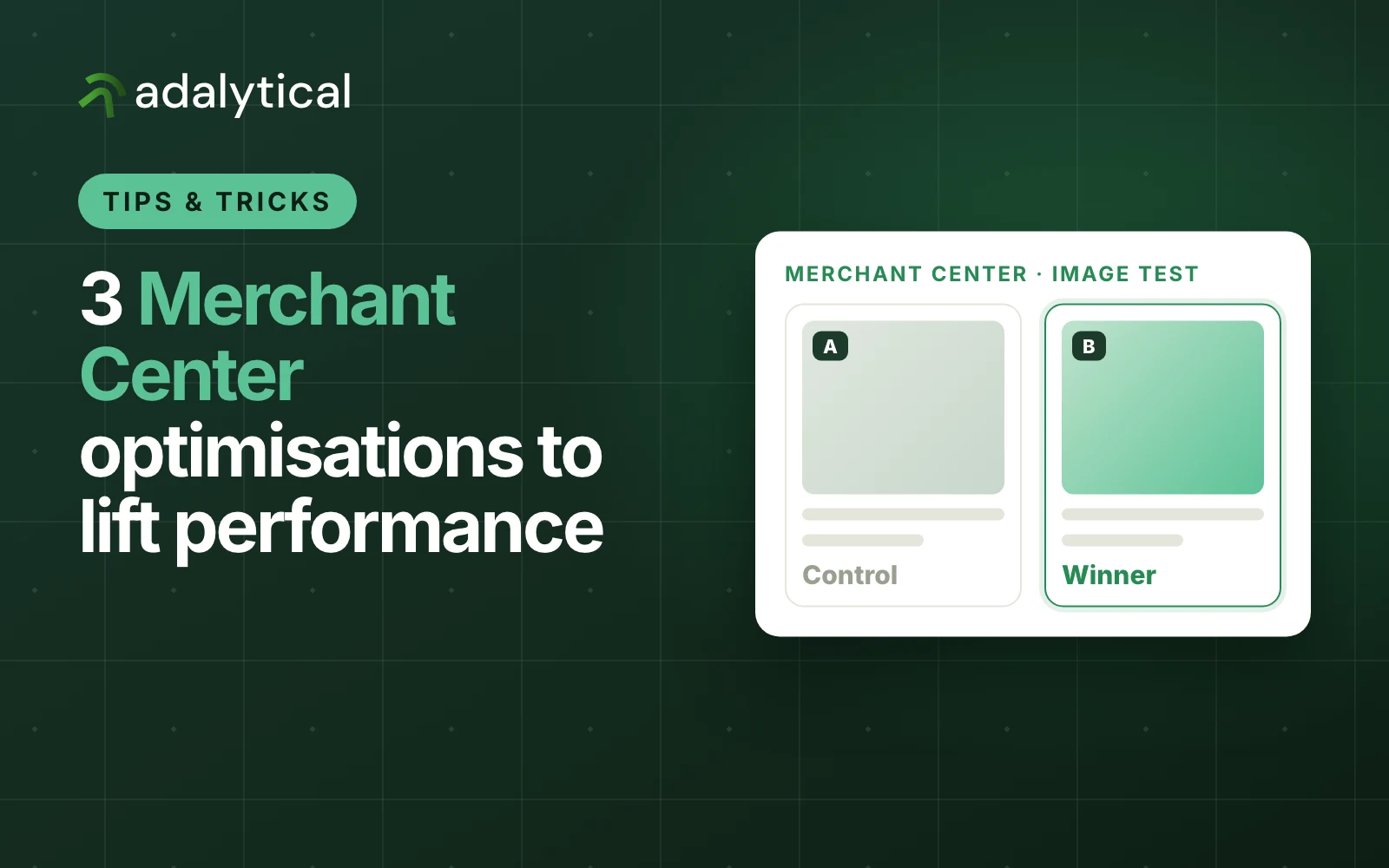
Simple A/B testing of image variations can yield surprising improvements. Test different angles, product zoom levels, background treatments, or product packaging. Competitive analysis can also provide valuable insights into which visual approaches work best in your category.
By systematically testing and refining your imagery, you can improve click-through rates and gain more market share in the Shopping feed.
Final Thoughts
Many brands focus on bidding and budget adjustments, but often leave core feed optimisation untouched. These three Google Merchant Center tactics are practical, effective, and can be implemented with minimal development work.
Stronger feed relevance, better categorisation, and more engaging imagery all contribute to improved Shopping campaign performance.

 Jackson Wallace6 min read